Aospix Prototype: Designing a Calmer Desktop
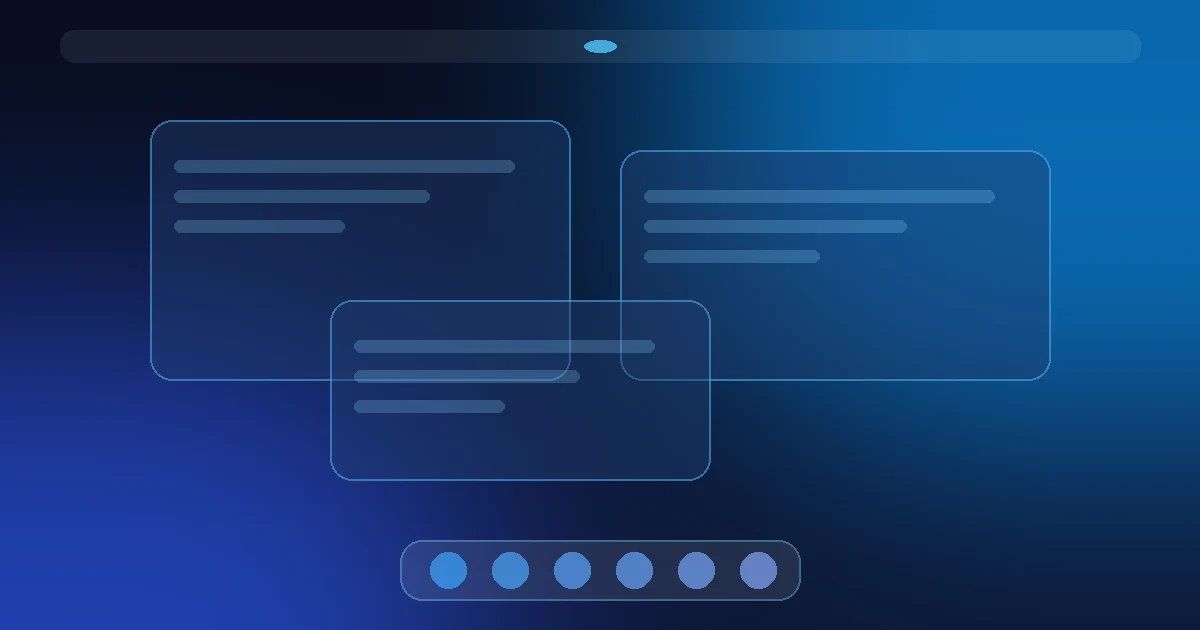
Most Linux desktops are judged by screenshots. Aospix is being judged, for now, by a prototype: a web-based demo of the interface we plan to build. It shows a top bar, an overview, a dock, notifications, quick settings, and a wallpaper. It is not a running Linux desktop, and the AI features we talk about are still in development.
So why share it at all? Because the prototype is where the design decisions are easiest to see and easiest to argue with. This note walks through the problems Aospix is trying to solve, the choices the prototype makes about them, and where each one honestly stands today.
The problems we started from
Aospix did not start from a feature list. It started from a few everyday frustrations that show up on almost any desktop, Linux or not:
- Notification noise. Every app can interrupt you, and most of them do. Important messages arrive in the same stream as update reminders.
- Context switching. Moving between tasks means hunting for windows, re-finding files, and rebuilding the state you had a few minutes ago.
- Cluttered panels. Panels and trays slowly fill with icons that each made sense once and now mostly compete for attention.
- Settings sprawl. The things you change every day, like volume, Wi-Fi, or brightness, sit next to things you change once a year.
None of these are new observations. What we want is a desktop where the default answer to each of them is calm, as described in a desktop that stays out of the way.
Design decision 1: a quiet top bar
The prototype's top bar holds very little: the time, a few system states, and an entry point to quick settings. There is no row of tray icons by default.
The reasoning is simple. A top bar is visible all day, so anything placed there pays a constant attention cost. If a piece of information is not useful most of the time, it should live one click away instead of always on screen.
Design decision 2: notifications that wait their turn
In the prototype, notifications are grouped and kept in a single panel rather than stacking on screen. The idea is that most notifications can wait until you look for them, and only a small number deserve to interrupt.
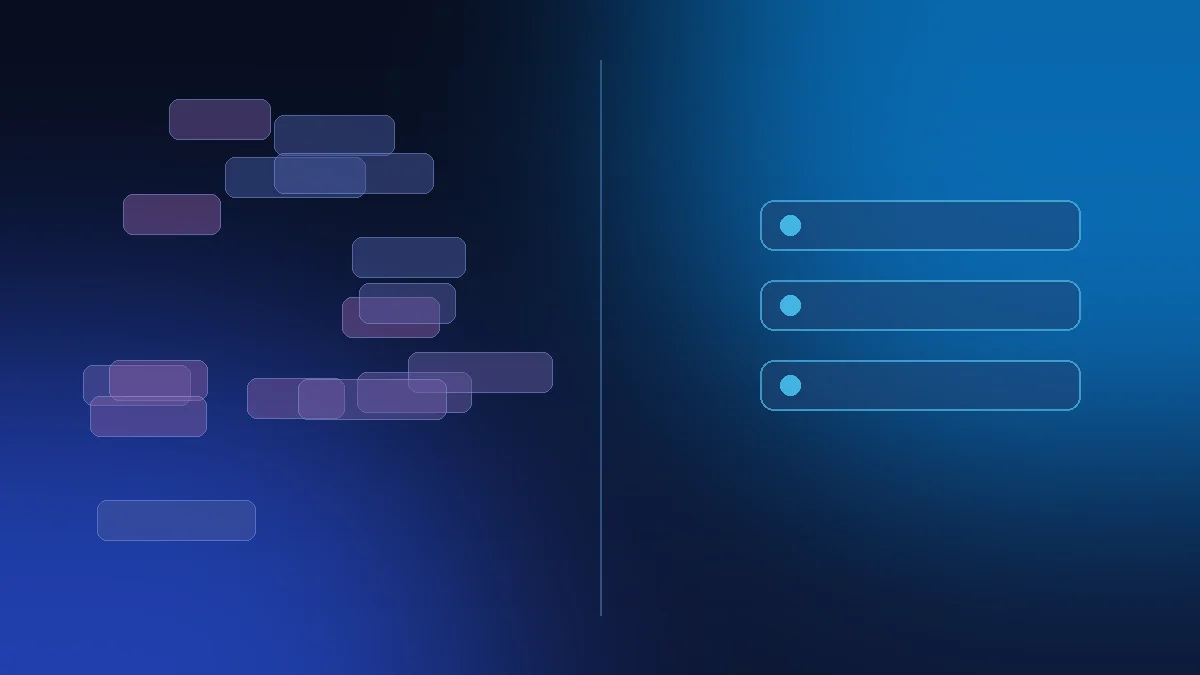
The longer-term plan is for the system to help decide which is which. That is one of the places where AI could be useful: summarizing a pile of updates, or recognizing that a message from a person matters more than a reminder from an app. To be clear, this is planned work. Nothing in the current prototype makes those decisions for you.
Design decision 3: an overview built for getting back
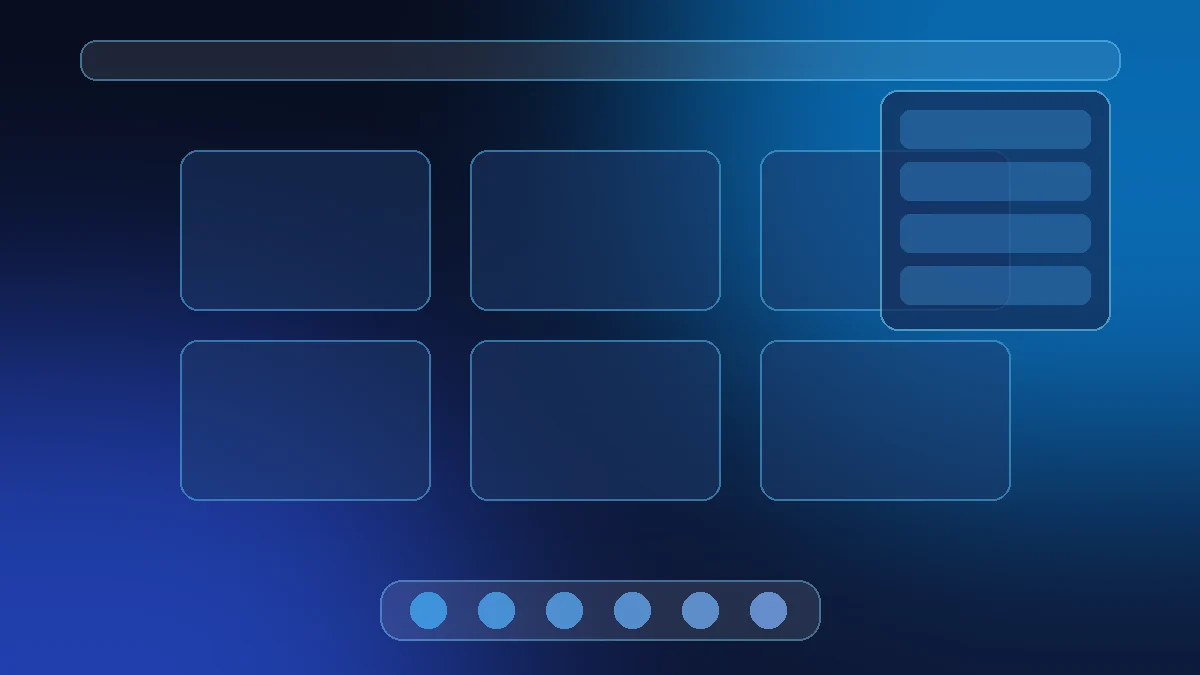
Context switching is less about switching and more about getting back. The prototype's overview shows open windows in one calm grid, so you can see what you were doing and return to it without digging.
We want the overview to eventually carry more context: recent files, the task a window belonged to, and a way to pick up where you left off. That is the part we are still designing, and it will change as we test it.
Design decision 4: a dock that stays small
The dock in the prototype is short on purpose. It holds the apps you actually use, not every app you have installed. Fewer targets make the everyday path faster, and a smaller dock leaves more room for the work itself.
Design decision 5: quick settings for the daily path
Quick settings collect the handful of controls people touch every day. Everything else stays in the full settings app. This keeps the common path short without hiding anything permanently.
Pain points and where each one stands
Here is a plain summary of each problem, the approach the prototype takes, and its current status. "Prototype" means you can see it in the web demo. "Planned" means it is designed but not built. "In development" means work has started but it is not ready.
| Common desktop pain point | Aospix approach | Status | |---|---|---| | Notification noise | Grouped notifications in one panel, fewer interruptions | Prototype | | Deciding what deserves attention | AI help to summarize and prioritize notifications | In development | | Context switching | Calm overview grid of open windows | Prototype | | Getting back to a task | Overview that remembers files and task context | Planned | | Cluttered panels | Minimal top bar, no tray icons by default | Prototype | | Settings sprawl | Quick settings for daily controls only | Prototype | | A real, installable desktop | Native Linux shell built from these designs | Planned |
What the prototype is not
It is worth repeating, because it is easy to misread a polished demo. The prototype runs in a browser. It does not manage real windows, run Linux apps, or ship any AI features. It exists so the design can be seen and questioned before it is expensive to change.
This is the same reason we are building Aospix in public: decisions are easier to improve while they are still decisions.
What comes next
The next steps are to test these layouts against real daily use, narrow down which AI features are actually worth building, and start turning the strongest ideas into a native shell. The order and scope are described in what the journal will share next, and every update will land in the journal.
FAQ
Is Aospix a Linux distribution I can install today?
No. Aospix is a desktop still in early development. The current demo is a web-based prototype of the planned interface, not an installable system.
Are the AI features available in the prototype?
No. AI features are in development. The prototype shows layout and interaction ideas only.
Why show a prototype instead of waiting?
Because feedback is most useful before decisions harden. A visible prototype makes it easier to see what works and what does not.
How can I follow progress?
Read the journal, or leave your email to hear when there is something real to try.
Tell us what you think
If one of these problems is the one that bothers you most, or if you think a design decision here is wrong, we want to hear it. Honest feedback now shapes what gets built. Leave your email to follow along, and reply when we write. We read every response.