Best Linux Desktop Environments in 2026: GNOME, KDE Plasma, and Beyond
Best Linux Desktop Environments in 2026: GNOME, KDE Plasma, and Beyond
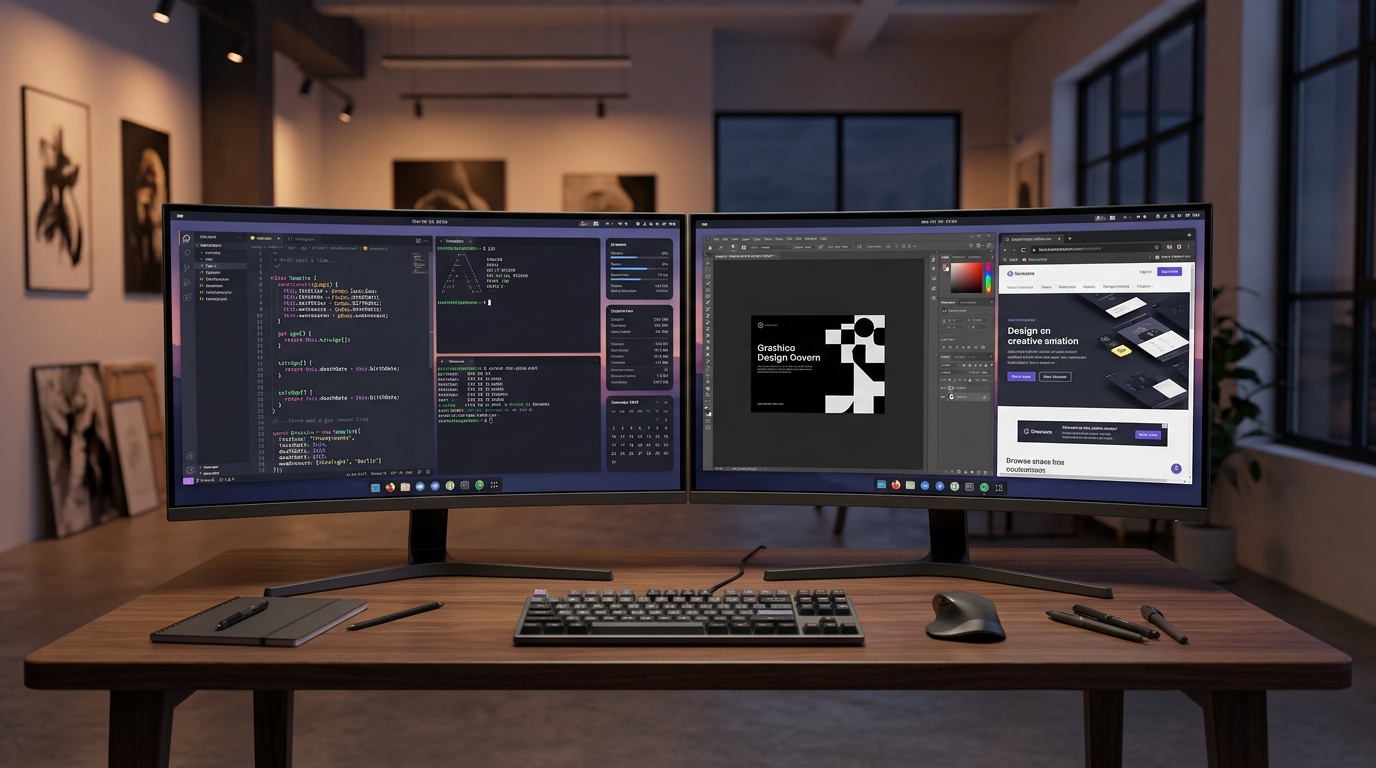
Choosing a Linux desktop environment affects much more than the look of your computer. It shapes how you launch applications, manage windows, switch workspaces, change settings, and stay focused throughout the day. The best Linux desktop environment is the one that fits your hardware and workflow—not necessarily the one with the most features.
This guide compares GNOME, KDE Plasma, Xfce, and COSMIC across practical criteria. Features and package availability can vary by distribution and release, so check the documentation for your specific system before installing or switching desktops.
What is a Linux desktop environment?
A desktop environment is the collection of graphical components that makes a Linux system comfortable to use. It commonly includes a panel or dock, application launcher, settings application, file manager, window-management behavior, notifications, and a set of default applications.
The desktop environment is not the Linux kernel and is not the same thing as a distribution. Debian, Fedora, and Ubuntu are distributions; GNOME and KDE Plasma are desktop environments that can be available on multiple distributions.
GNOME: a focused, opinionated workflow
GNOME emphasizes a consistent interface and a workspace-oriented workflow. Its overview, search, and virtual desktops can help people who prefer keyboard navigation and a relatively restrained default interface. GNOME's design choices may reduce the number of visible controls, but users who want extensive built-in customization may need extensions or additional tools.
GNOME can be a good fit if you value a cohesive experience and prefer to learn a clear set of interaction patterns instead of adjusting every detail.
KDE Plasma: extensive customization
KDE Plasma offers broad control over panels, widgets, window behavior, shortcuts, themes, and desktop layout. That flexibility is attractive to power users who want the desktop to match their habits. It can also mean there are more settings and choices to understand.
Choose Plasma if customization is a priority and you enjoy shaping the desktop around your workflow.
Xfce: a traditional, lightweight desktop
Xfce is known for a familiar desktop layout and a relatively modest resource footprint. It is often considered for older computers, virtual machines, and systems where simplicity matters more than visual effects. Lightweight does not automatically mean faster in every task; applications, drivers, and system configuration still matter.
COSMIC and other evolving desktops
COSMIC is a newer desktop environment with an emphasis on tiling and floating window workflows, keyboard-driven navigation, and a modern interface. Because newer projects evolve quickly, verify current release status, hardware support, and compatibility before relying on it for a production machine.
Other environments, including Cinnamon, MATE, and LXQt, may also suit particular preferences or hardware constraints.
How to choose
Use these questions to narrow your options:
- Want a guided, consistent workflow? Start by trying GNOME.
- Want extensive layout and theme controls? Explore KDE Plasma.
- Using older or resource-constrained hardware? Test Xfce or LXQt.
- Interested in a newer workflow built around tiling and keyboard navigation? Evaluate COSMIC on a spare installation or live environment.
Before changing your main desktop, test the environment in a live session or a separate user account when practical. Check display scaling, suspend and resume, multi-monitor support, accessibility, Bluetooth, and the applications you rely on.
Where Aospix fits
Aospix is exploring a more intentional Linux desktop experience with an emphasis on usability and AI-assisted workflows. Its prototype and development status should be checked on the official Aospix website; ideas shown in a prototype should not be mistaken for finished system features.
A good desktop should make routine tasks clear, keep important controls discoverable, and avoid getting in the way. The right environment is the one that helps you work comfortably and reliably.
Frequently asked questions
Which Linux desktop environment is best for beginners?
GNOME, KDE Plasma, and Cinnamon can all work well for beginners. The best choice depends on the distribution, available documentation, hardware, and which interface feels intuitive to you.
Which desktop environment uses the least RAM?
Lightweight environments such as Xfce and LXQt are often good starting points, but real memory use depends on the distribution, services, drivers, and applications running.
Can I install more than one desktop environment?
Often, yes. However, mixing desktop environments can introduce duplicate applications or settings conflicts. Read your distribution's instructions and keep a recovery path available before making major changes.
Does a desktop environment determine Linux security?
No. Security depends on the whole system: updates, account permissions, installed software, configuration, and the desktop's own components.