What Aospix Files can do in this first build
Aospix Files is the first native app in the desktop we are building in public. It is a file manager, written in Rust with libcosmic, and this note is about the build that exists today. It is not a finished Linux desktop, and it is not a download you should expect from the home page yet.
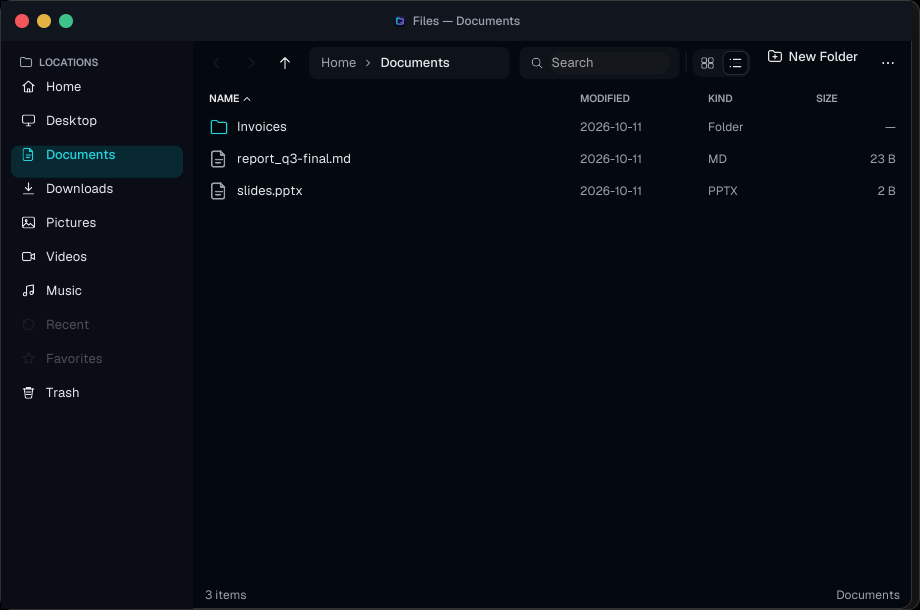
The window is meant to stay out of the way. A places sidebar lists the usual home folders, Trash, and mounted volumes. The main view is a grid or a list. You sort by name, date, size, or type, and you can show hidden files. A breadcrumb shows where you are. If you would rather type the path, you can, including a leading tilde.
Everyday file work
Tabs, back, forward, and up are in. So are the operations people actually repeat: new folder, new file, rename, copy, cut, and paste. A name collision becomes "name (2)" instead of writing over the existing file. Delete moves an item to Trash. Shift+Delete asks before it removes the file for good.
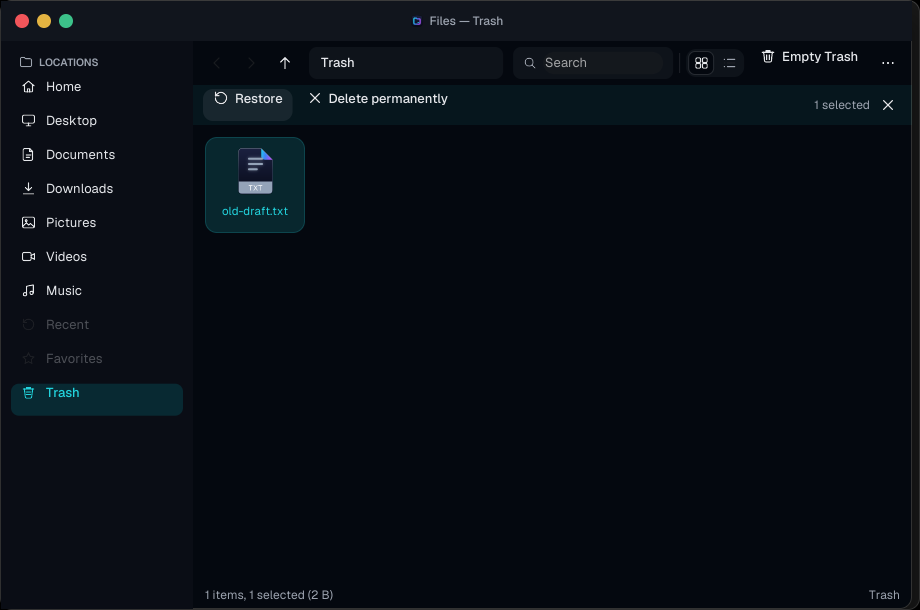
Trash is a real view, not a label. It shows the original path and the date, and it can restore a file, delete one permanently, or empty itself. Search looks at file names in the current folder, or across Home. A details pane and a status bar report the selection. Files open with the default application.
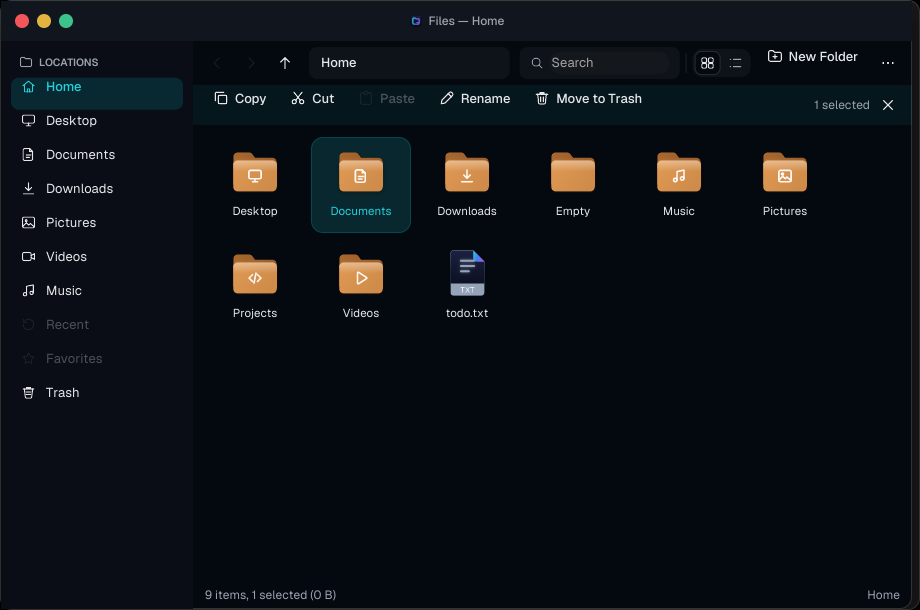
The same window can switch to a list when a folder is easier to scan that way.
What the AI label means
The AI surfaces are a preview, and they are off unless the build was made with that preview and an environment flag is set. There is no model, no search index, and no network call behind them. The results are canned or heuristic, and the interface says so. Ask, summary, tags, and rename suggestions are there so the layout can be judged. Apply stays disabled. Treating a mock as a feature would be the opposite of a desktop that stays out of the way.
A small service, aospix-filesd, can queue copy, move, and trash jobs and watch the open folders. If that service is not available, the app does the same work in-process and falls back to checking folder timestamps. The status bar says which of the two is running.
What is still missing
This build does not virtualize huge folders, drag items between views, or offer an Open With chooser. There is no undo, and Recent and Favorites are visible but disabled. Thumbnail handling is local to the app. Those are the next cuts, not hidden promises.
The point of publishing the note now is the same as the rest of the journal: the file manager can be looked at while the decisions are still decisions. The home page is still a prototype of the desktop around it. Files is the first piece that runs as a native window.